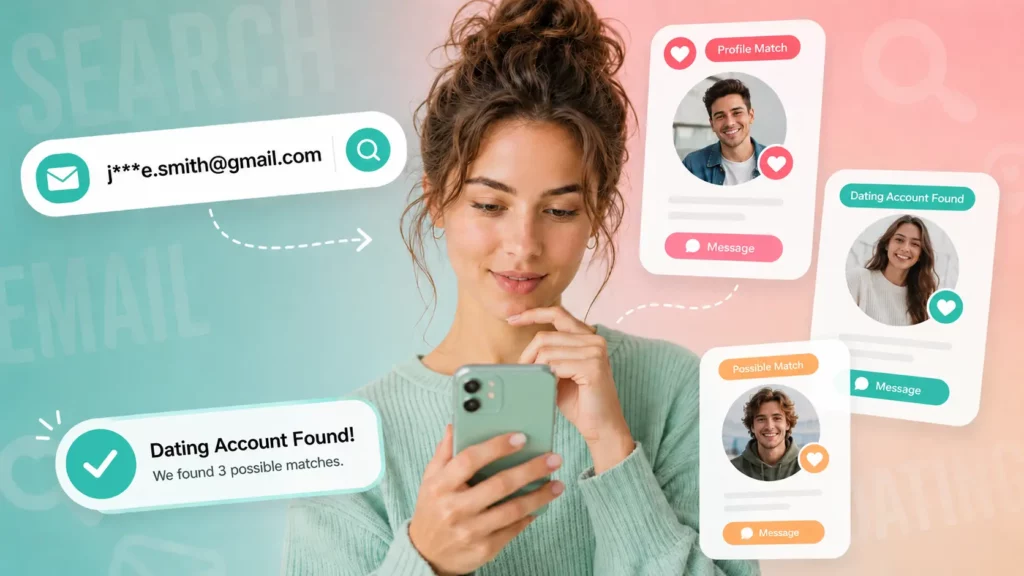
You have a photo. Maybe it came from a dating app, a Telegram message, or a comment on your latest post. The woman in it looks real, her profile reads well, and the conversation has moved fast. Something still feels off, and you want proof before you send another message — let alone another dollar.
Reverse searching that picture is the fastest way to get that proof. This guide walks through why scammers reuse pictures of women to run these schemes, exactly how to reverse search a photo someone sent you, the warning signs that separate a stolen photo from a real one, and what to do once you have your answer.
Why Scammers Use Photos of Women to Build Fake Profiles
A stolen photo is the foundation of almost every romance scam. The scammer needs a face that a target will trust quickly, so they pull images from:
- Real social media accounts that have loose privacy settings
- Modeling or influencer portfolios that are already public
- Stock photo sites, occasionally cropped to hide the watermark
- Other dating profiles, sometimes taken from a previous scam victim’s own account
Photos of women get reused at a higher rate in these schemes because the scripts scammers run — the “successful businesswoman,” the “lonely nurse deployed overseas,” the “widow managing a family estate” — are built around personas that read as sympathetic and non-threatening. The picture is chosen to fit the script, not the other way around. That mismatch between a polished, professional-looking photo and an inconsistent personal story is often the first real crack in the profile.
How Reverse Image Search Works to Expose Stolen Photos
A reverse image search flips the normal search process. Instead of typing keywords, you upload the photo itself, and the search engine looks for visually matching images already indexed across the web — other profiles, articles, stock libraries, or social posts using that same picture.
If the photo shows up under five different names, on three different dating apps, or credited to a stock photography site, that’s a strong signal the person you’re talking to isn’t who the picture says they are.
This is also where a photo lookup becomes more useful than a name search alone. Someone can invent a name in ten seconds. Faking the origin story behind a photo that’s already indexed across the internet is a lot harder. Searqle applies this principle directly: instead of only running a keyword search, its photo lookup checks public sources for that image and any identity information connected to it — a step that matters early in a conversation, before you’ve shared anything personal.
Step-by-Step: How to Reverse Search a Photo Someone Sent You
Here’s how a photo lookup on Searqle actually works, from the moment you have a suspicious picture to the moment you have an answer.
How it works: You upload the photo, or the profile picture’s link, into Searqle’s search bar. The platform checks the image against publicly available online sources and returns a report built around whatever it can associate with that photo or the person in it — name, known aliases, other profile photos, social accounts, and, where available, contact and address history.
How to start:
- Save the photo the person sent you, or copy the direct image link from their profile.
- Go to Searqle and choose the photo search option.
- Upload the image and start the search.
- Review the report — pay attention to whether the photo is linked to more than one name or profile.
- Cross-reference the report details against what the person has actually told you (job, city, age).
New users can run this first check during Searqle’s 7-day trial for €1, which is enough time to verify one or several suspicious photos before deciding whether to continue on the weekly plan (€13.90, 4 search credits) or the monthly plan (€34.90, 20 search credits) for ongoing checks.
5 Warning Signs a Profile Picture Belongs to a Scammer
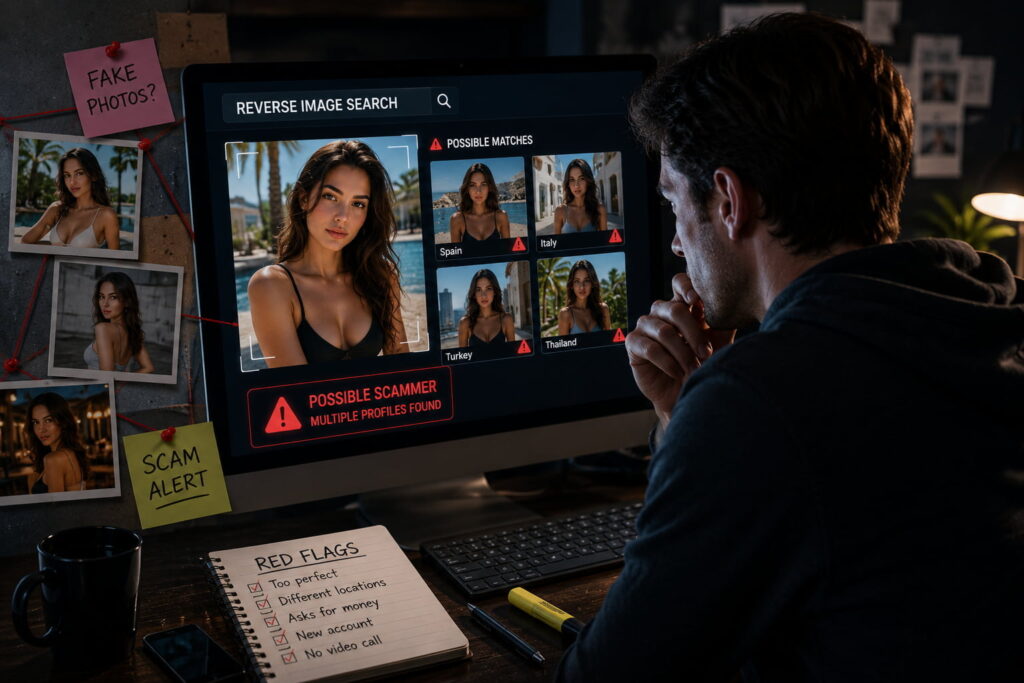
Not every photo mismatch means a scam, but these five patterns show up consistently in reported cases:
- The photo is professionally shot, but the profile claims an ordinary job. Modeling-quality lighting and a stated income of “nurse” or “military contractor” rarely line up.
- Every photo is a solo shot. Real people accumulate photos with friends, family, and coworkers over years. A profile with only carefully posed solo images is a red flag.
- The same picture, cropped or filtered differently, appears in a reverse search under other names. This is the single strongest indicator — one face, multiple identities.
- They refuse a video call or a live, unposed photo. If the picture were genuinely theirs, an unscripted selfie on request would be trivial.
- The story escalates quickly toward a financial ask — a medical bill, a customs fee, a trapped-overseas situation — while personal details about their claimed job, city, or family stay vague.
Best Tools to Reverse Search Stolen Photos Compared
Not every reverse image tool is built for the same job. Some are designed to find any visually similar image on the internet; others are built specifically to connect a photo to a person’s broader identity.
| Feature / Criteria | Searqle | Google Images | Social Catfish | PimEyes |
|---|---|---|---|---|
| Photo lookup | Yes | Yes | Yes | Yes |
| Combined phone, email, and photo search in one platform | Yes | No | Partial | No |
| Full identity report (address, relatives, digital footprint) | Yes | No | Partial | Limited |
| Low-cost trial to test before subscribing | Yes (€1 / 7 days) | Free but limited to raw matches | Not always available | Not available |
| Data breach exposure check | Yes | No | Not available | No |
After confirming a photo has matches elsewhere, the next useful question isn’t just “is this photo stolen” — it’s “who is actually behind it.” That’s the gap a dedicated identity search closes: Google Images will tell you the picture exists elsewhere, but it won’t tell you the name attached to the accounts using it, whether that name has other known addresses, or whether the associated email has shown up in a data breach.
Why Searqle Is the Better Choice for Verifying a Suspicious Photo

Reverse image tools built for general web search show you where a photo appears. Searqle is built to go one step further and tell you who is connected to it.
What makes it better than alternatives: Searqle runs phone, email, and photo searches from the same platform, so a single suspicious profile picture can lead to a fuller report — known aliases, address history, relatives, employment signals, and other public online accounts — instead of a list of matching thumbnails you have to investigate one by one.
When it’s the best choice: Searqle is most useful right after you’ve already spotted a red flag — a reused photo, a refused video call, an early request for money — and you need to move from suspicion to a documented answer quickly, without opening accounts on five different tools.
Who it’s most suitable for: People vetting a new online dating match, parents or friends checking on someone a loved one has met online, and anyone who received a suspicious message from an unfamiliar number or email and wants the identity behind it — not just technical experience, since the search process itself only requires a photo, phone number, or email address.
What to Do Once You Confirm the Photo Was Stolen
Confirming the picture is fake changes what you should do next.
- Stop sending money or personal information immediately. Do this before anything else, even if the person pressures you to explain your hesitation.
- Save your evidence. Screenshot the conversation, the profile, and your reverse search results before the account can be deleted.
- Report the profile to the platform where you met them (dating app, social network, or messaging service) and, if money was already sent, to your bank or payment provider.
- File a report with the relevant authority — in the US, that’s the FTC or IC3; most other countries have an equivalent cybercrime reporting body.
- Run one more check before you move on. If Searqle’s photo lookup surfaced a name or email tied to the picture, running that email through the same platform can confirm whether it’s associated with other reported scam activity, since a report can include known aliases and prior data-breach exposure alongside the photo match.
Frequently Asked Questions
Yes. The woman in the photo is very often a victim herself — a model, influencer, or private individual whose image was scraped without her knowledge. A reverse image search doesn’t confirm who the scammer is; it confirms the photo isn’t originally connected to the profile using it.
Most commonly from public social media profiles, modeling portfolios, and stock photo libraries, plus, less often, from previous scam victims whose own photos get recycled into new fake profiles.
Google Images and TinEye are free starting points and will show you if a photo is indexed elsewhere. They won’t connect that photo to a name, address, or other identity details — for that, a dedicated photo-to-identity search like Searqle is the more direct route.
Conclusion
A stolen photo rarely stays hidden once you actually go looking for it. Reverse searching the picture — checking it against Google Images, TinEye, or a dedicated photo lookup like Searqle — turns a gut feeling into evidence in a matter of minutes, before more of your time, trust, or money is on the line. If a profile picture has already made you pause, that pause is worth acting on: run the search on pictures of the person before the conversation goes any further.
More Helpful Articles
- How to Catch a Cheater Online — A practical guide to the digital footprints that give away a cheating partner, from social media activity to messaging apps, and how to check them without overstepping.
- Reverse Image Search for Catfish: Full Guide — A deeper look at catfish-specific reverse image search techniques, including how to spot edited or AI-generated profile photos.
- How to Find Someone on OnlyFans by Photo — Step-by-step instructions for using a photo to check whether someone has an OnlyFans account tied to it, and what that can confirm about their identity.